

Table of Contents
Disclaimer: This installation article is a tutorial guide. By reading this article, you agree it is for reference only and AlphaRex USA and its distributors make no guarantee on the finished results. Under no circumstances whatsoever shall AlphaRex USA nor its distributors be liable for any damage, misuse or personal injuries. If you do not fully understand the installation procedure, it is highly recommended that you seek help from professional mechanics to do the installation.
INSTALLATION TOOLS

Phillips Screwdriver
This guide provides a detailed, step-by-step process for converting your DRL from white to amber.
DO NOT USE DIELECTRIC GREASE / REMOVE ANY DEBRIS OR ANY PRE-EXISTING GREASE OR WEATHER SEALANT
How to: Switch DRL from white to amber on a 24-26 Ford F150 (Lariat, Tremor, King Ranch and Platinum) / F150 Raptor Headlights
- Begin by placing your new Alpharex headlights face down on a clean, soft surface, ensuring the rear of the headlight assembly is facing upward for easy access.
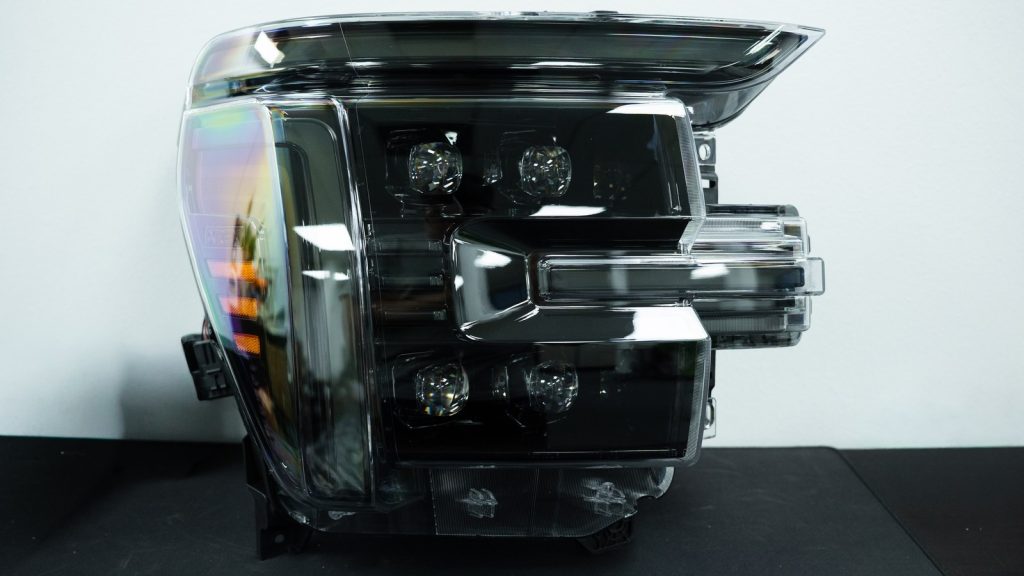
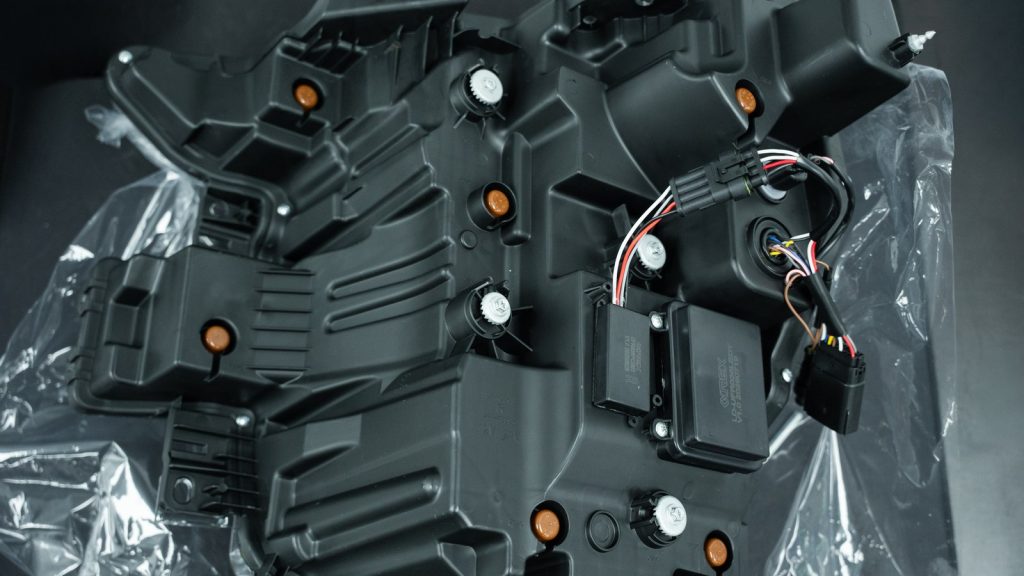
- Next, locate the control board on the back of the headlight assembly and carefully remove the four (4) screws securing it in place.
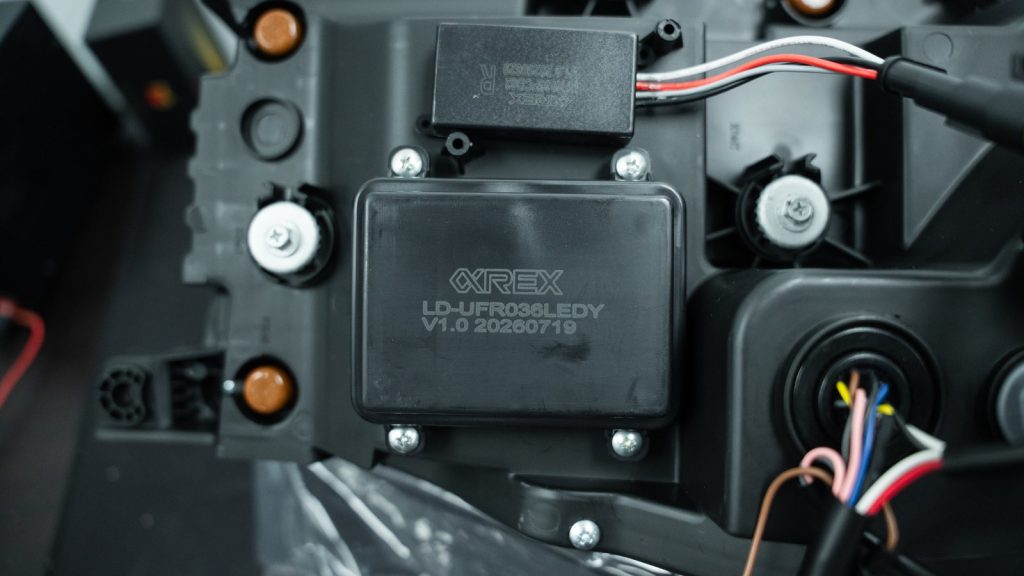
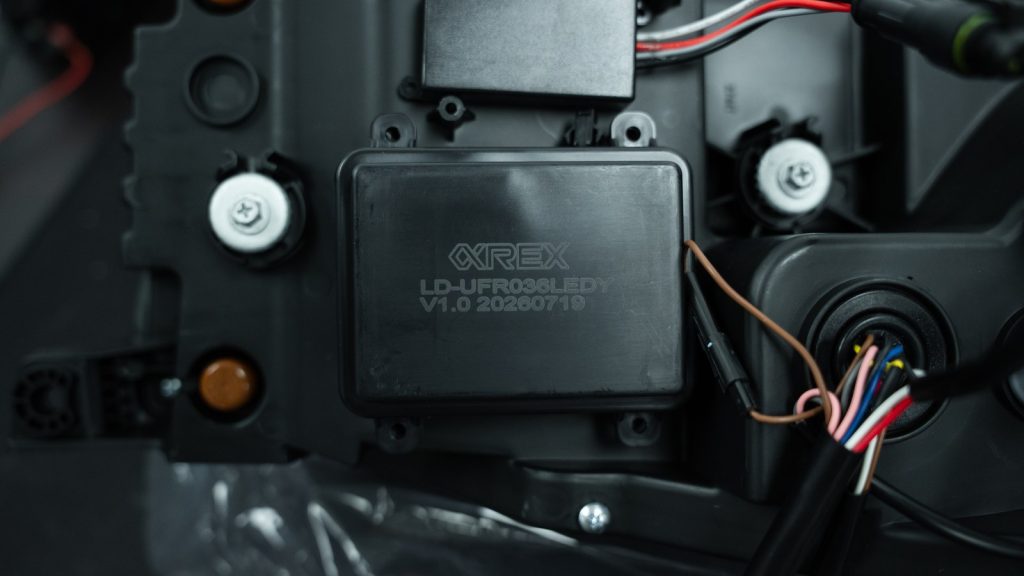
- Carefully pull the control board outward to access the wiring behind it. Locate the two (2) disconnected single-pin black connectors and connect them together to switch the DRL color from white to amber.
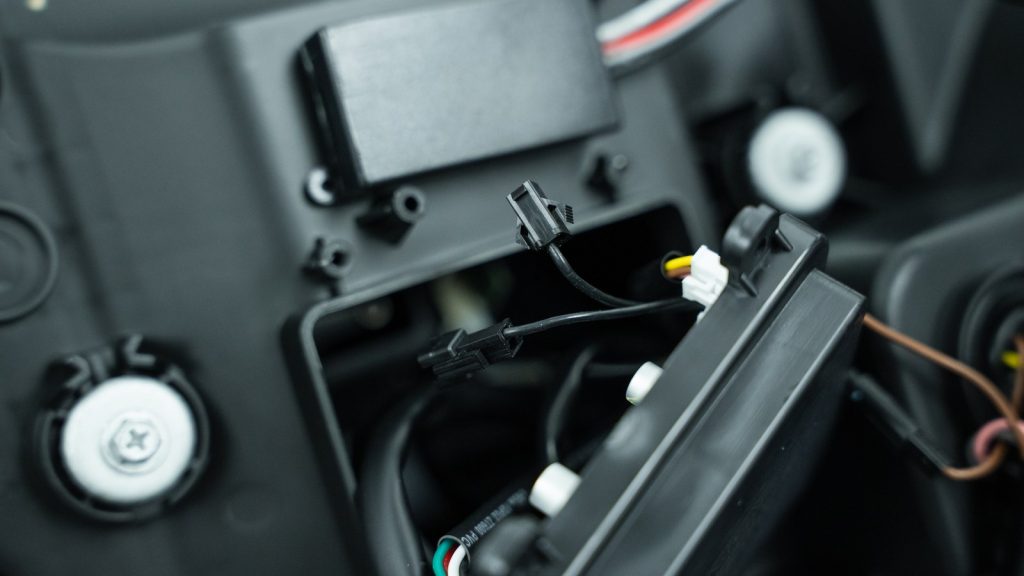
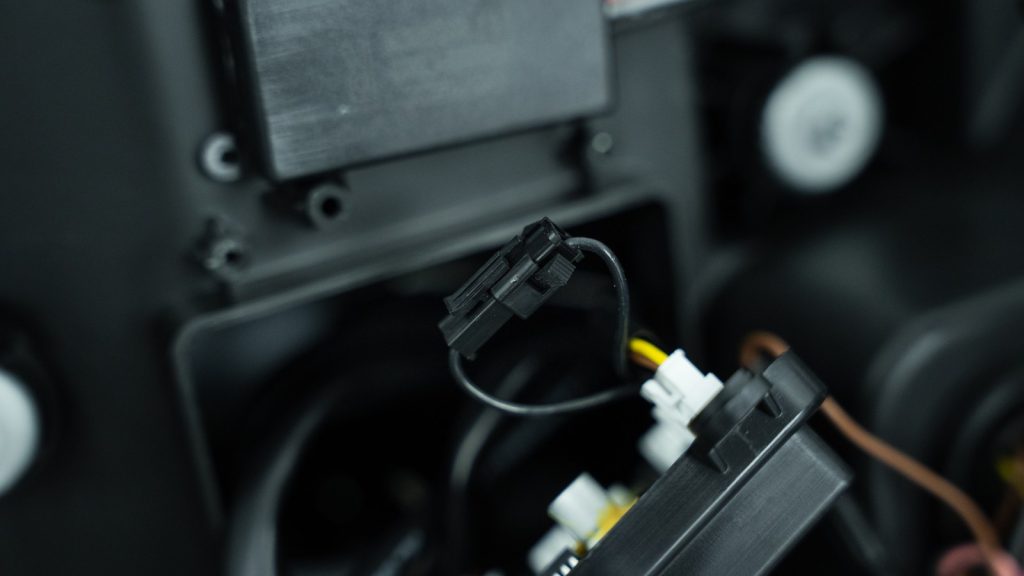
- With the connectors securely connected, carefully tuck the wiring back into the headlight housing. Reposition the control board, ensuring it is properly seated and sealed, then reinstall the four (4) screws to secure it in place.
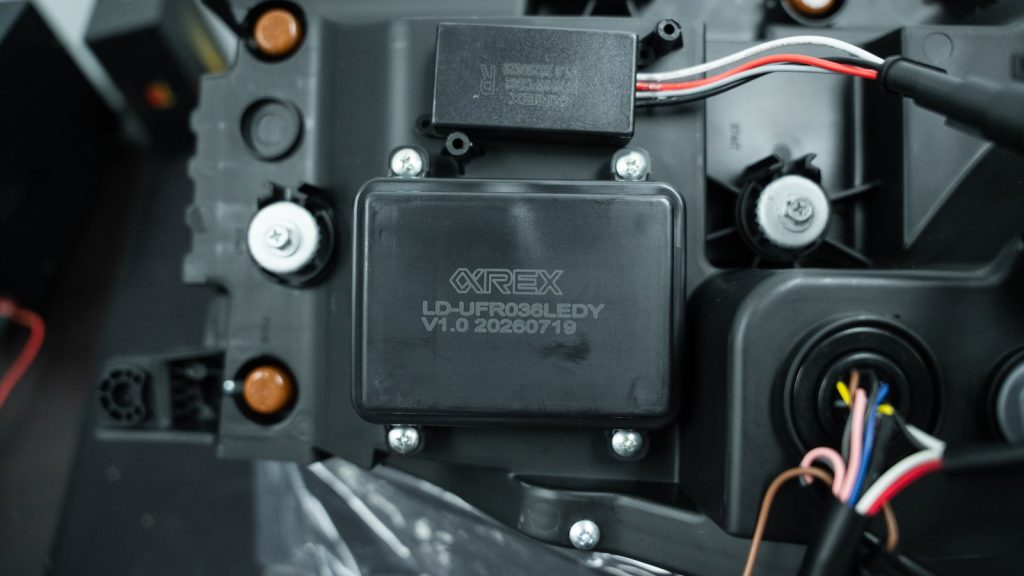
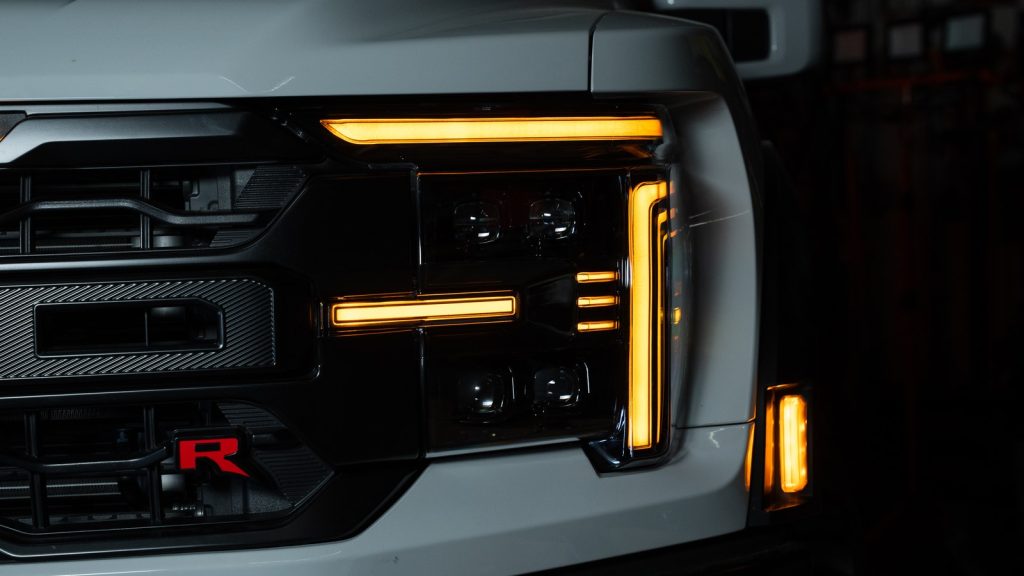
End of installation guide
If you have any questions about installation, please reach out to our technical support team for assistance.